
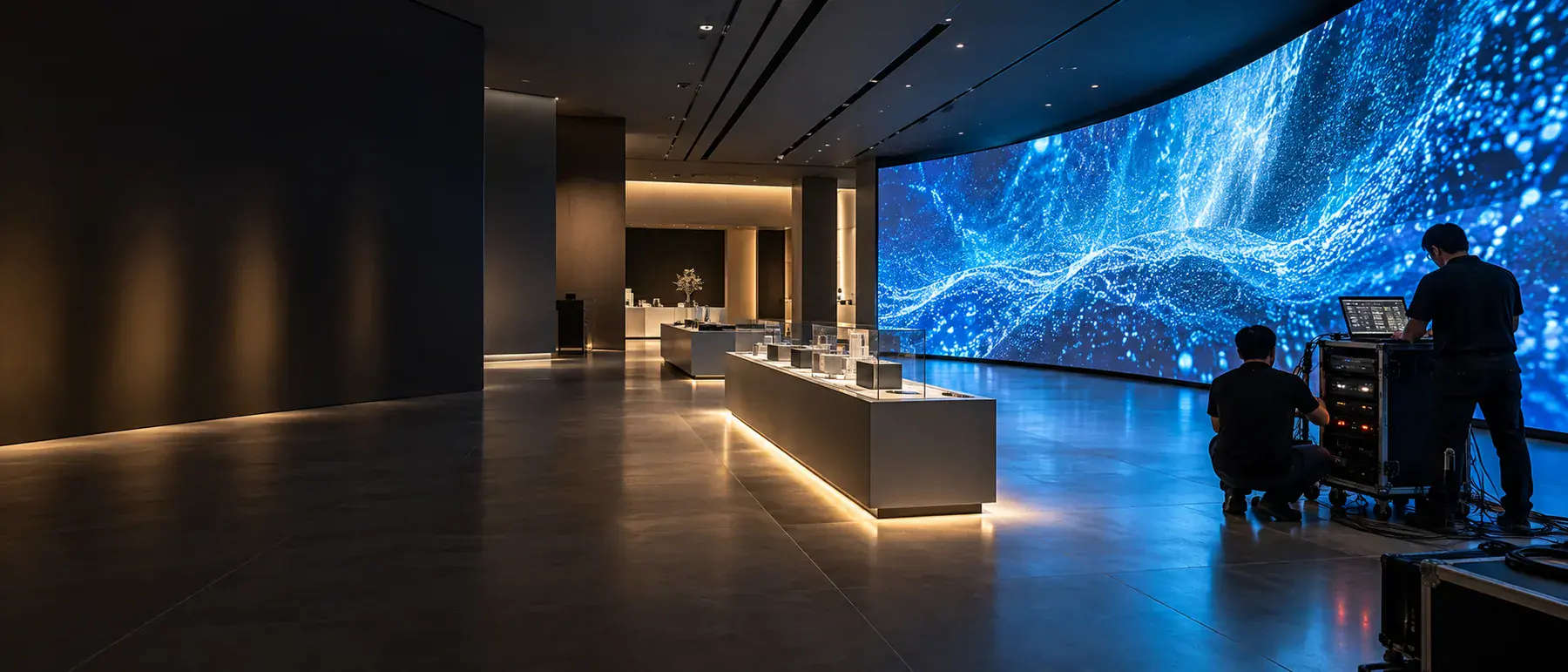
A useful showroom multimedia handover demonstrates the agreed visitor experience and gives the operating team the information needed to run it. A successful opening-day playback is part of that process, not the whole handover.
Use this checklist to organize questions and the agreed records. Actual acceptance criteria, technical procedures, rights and support arrangements must be defined for the project and its selected systems.
Confirm which version is being accepted
Record the approved content, application versions and exhibit names used during the demonstration. Connect the test record to that information so later changes can be distinguished from the accepted opening configuration.
Also identify items that remain provisional. A clearly documented open issue is more useful than a broad statement that everything is complete. Give each outstanding item an owner and an agreed next step, and separate it from the items that have already been reviewed.
Walk through the actual visitor sequence
Demonstrate a normal guided presentation or self-directed visit from the intended visitor positions. Review how individual displays connect, how audio is used and how the host moves between exhibits. Check the approved content in the real room rather than judging only a workstation preview.
Include different language or presentation modes if they are part of the scope. Note any differences between what the host expects and the controls that have been supplied. These are operating questions that can be missed when each device is demonstrated in isolation.
Review interaction and ordinary recovery paths
For an interactive exhibit, review the expected start state, main user path and return to the starting experience. Confirm how the proposed design handles inactivity and how a host identifies a problem. The test should follow the agreed application behavior.
Ask the integration team to demonstrate the approved operating and recovery procedures for the installed system. Operators should not have to improvise technical interventions. The documentation should distinguish ordinary user actions from work reserved for the responsible technical support team.
Make the content update process understandable
Identify what can be updated by the client, what needs content-production work and what needs specialist system support. Record the required media formats and the review path for new content. Updating a film is different from changing the logic of an interactive application.
Clarify which final files, editable materials, licenses and credentials are included in the agreed handover. Do not assume that every third-party asset or software source file is transferable simply because it was used in the project. Any transfer and usage terms need to be specifically agreed.
Collect an operating document set
- An exhibit and equipment reference list aligned with the installed space.
- Agreed start-up, shutdown and presentation instructions.
- Approved content and application version information.
- Relevant test records and an open-issue list.
- The content updating process and responsible contacts.
- Agreed support scope, reporting route and any applicable exclusions.
Keep the document names and exhibit names consistent. If a control screen, drawing and support list use different labels for the same exhibit, the operating team may struggle to communicate a simple issue.
Train the people who will use the room
Training should include the everyday host or operations team, rather than only the people who commissioned the project. Let them perform the normal presentation with the agreed guidance, and use their questions to identify missing instructions.
Clarify how training materials and operating instructions will be kept available. If the client expects staff to change over time, discuss what information a new host will need. Handover is more useful when it supports the room’s ongoing use instead of relying on one person’s memory.
Prepare handover while the system is being designed
These decisions are easier to handle when they are discussed before the closing stage. The intended operating team, update requirements and acceptance approach should inform the original multimedia and AV scope.
DASHI DIGITAL coordinates content, interaction and systems with the physical exhibition environment. Read how the delivery process works, or share your project and operating requirements for a scoped discussion. For the relationship between work packages, see the coordination guide.
Before your first discussion
Helpful Information
to Have Ready.
These details help us prepare a more focused discussion.
- Location (city / venue if known)
- Plans (if available)
- Audience (target visitors)
- Design stage
- Target opening window
- Budget range (if available)
The final scope and programme depend on your project and site conditions.