Content, interaction and integration
Showroom Multimedia Production and AV System Integration.
Discuss a defined multimedia package or coordination with a wider showroom build: films and animation, touchscreen and interactive exhibits, display playback and AV control. Start with the visitor task and the available assets so the production and integration scope can be compared clearly.
From source material to an exhibition story
Existing presentations, product information and corporate films can provide source material. They still need to be reviewed for the audience, language, sequence and duration of the showroom visit. A short guided explanation may need a different structure from a film intended for an online audience.
Content planning can include a story outline, script, storyboard and representative visual frames before full production. Agree who supplies the facts and brand assets, and who can approve the message and terminology.
For a specialist production enquiry, identify scripts, source files, languages and the people approving technical claims. Distinguish new production from adaptation of existing material.
Interactive exhibit and touchscreen development
Brief the visitor task, navigation, idle behaviour and target device before estimating software production. Identify the products or scenarios to be covered, languages, source assets and expected updates after opening. Separate visual content, application development and installation interfaces.
Use our interactive exhibit development brief to define a representative prototype and the deliverables needed for comparable production quotes.
Showroom AV integration and control
Plan screens, playback, audio, user controls and operating sequences as a connected system. Identify the fit-out and IT interfaces, equipment access and the agreed response when a presentation is interrupted. A list of devices should be accompanied by a description of integration and testing.
The showroom AV integration RFQ checklist separates equipment, software, content, network assumptions and handover responsibilities.
Agree deliverables and operating responsibilities
A multimedia package should distinguish final playback files, interactive applications, adaptation work, equipment integration, testing, training and documentation. Rights to any editable source materials, third-party assets or software need to be agreed explicitly.
Before opening, review the approved content in the physical space and demonstrate the agreed operating sequence. Record open issues, accepted versions and the support contact so the handover remains useful after the project team leaves.
Ask which updates the operating team can make, what licences or dependencies remain, and how accepted versions and outstanding issues will be recorded.
Combine media with physical exhibits
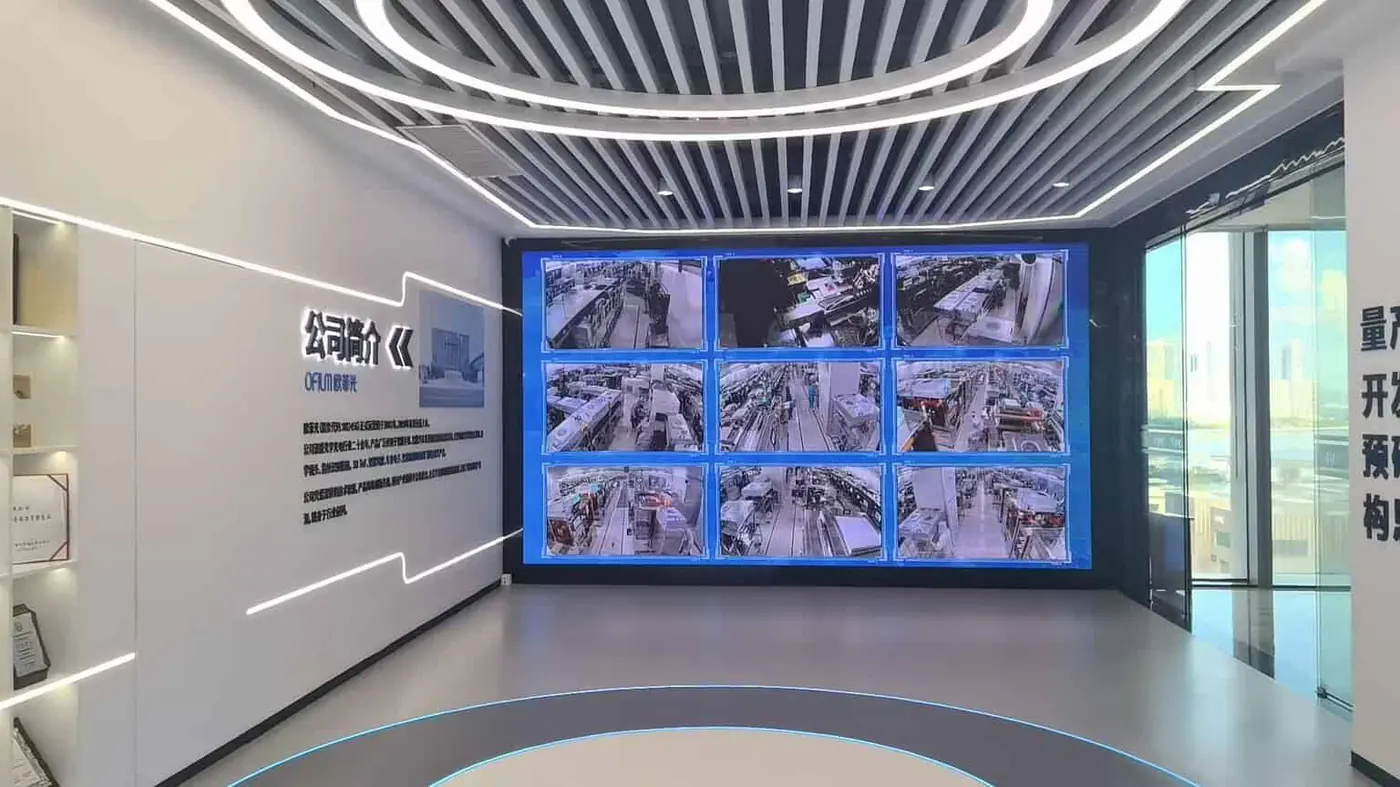
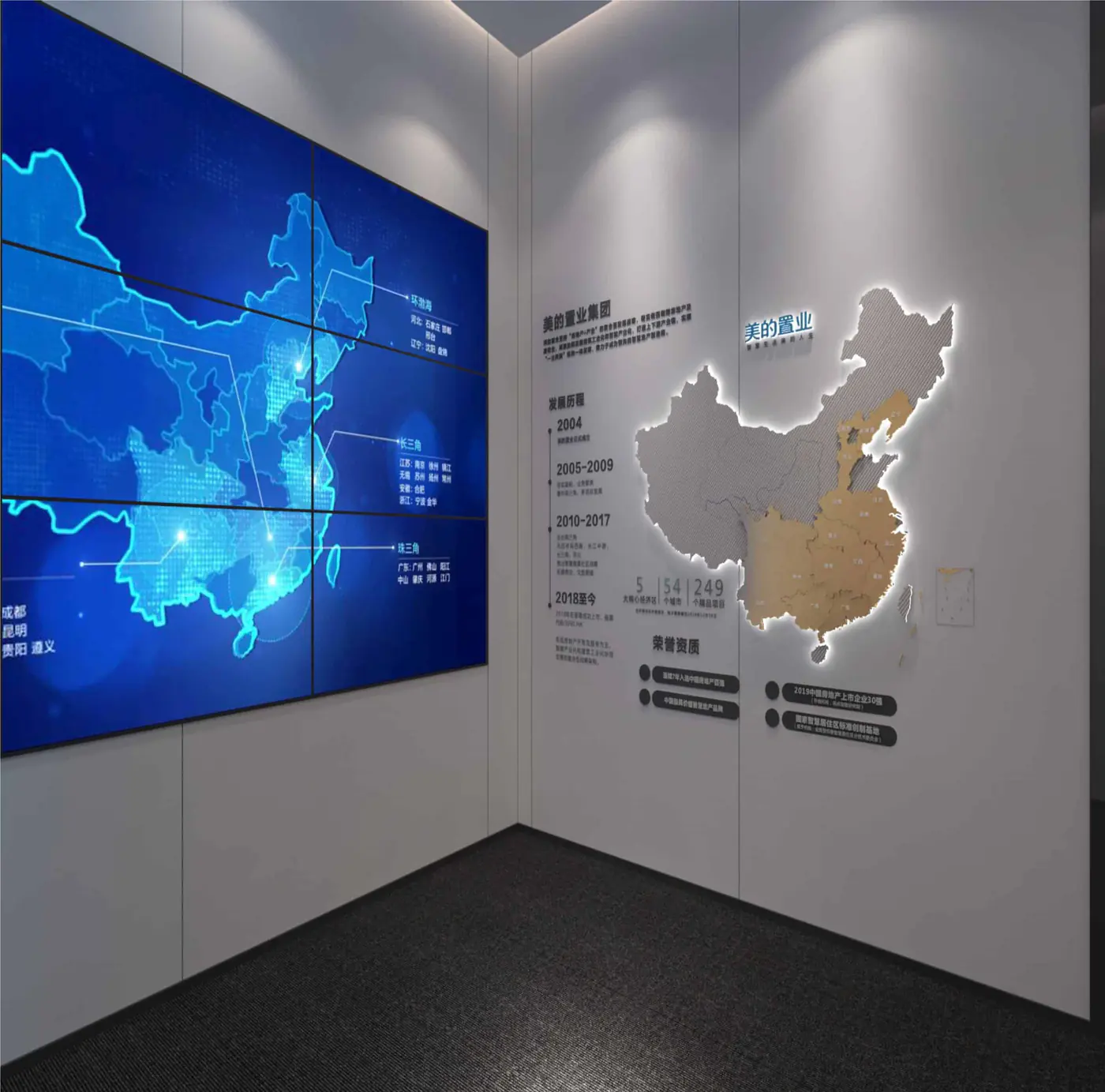
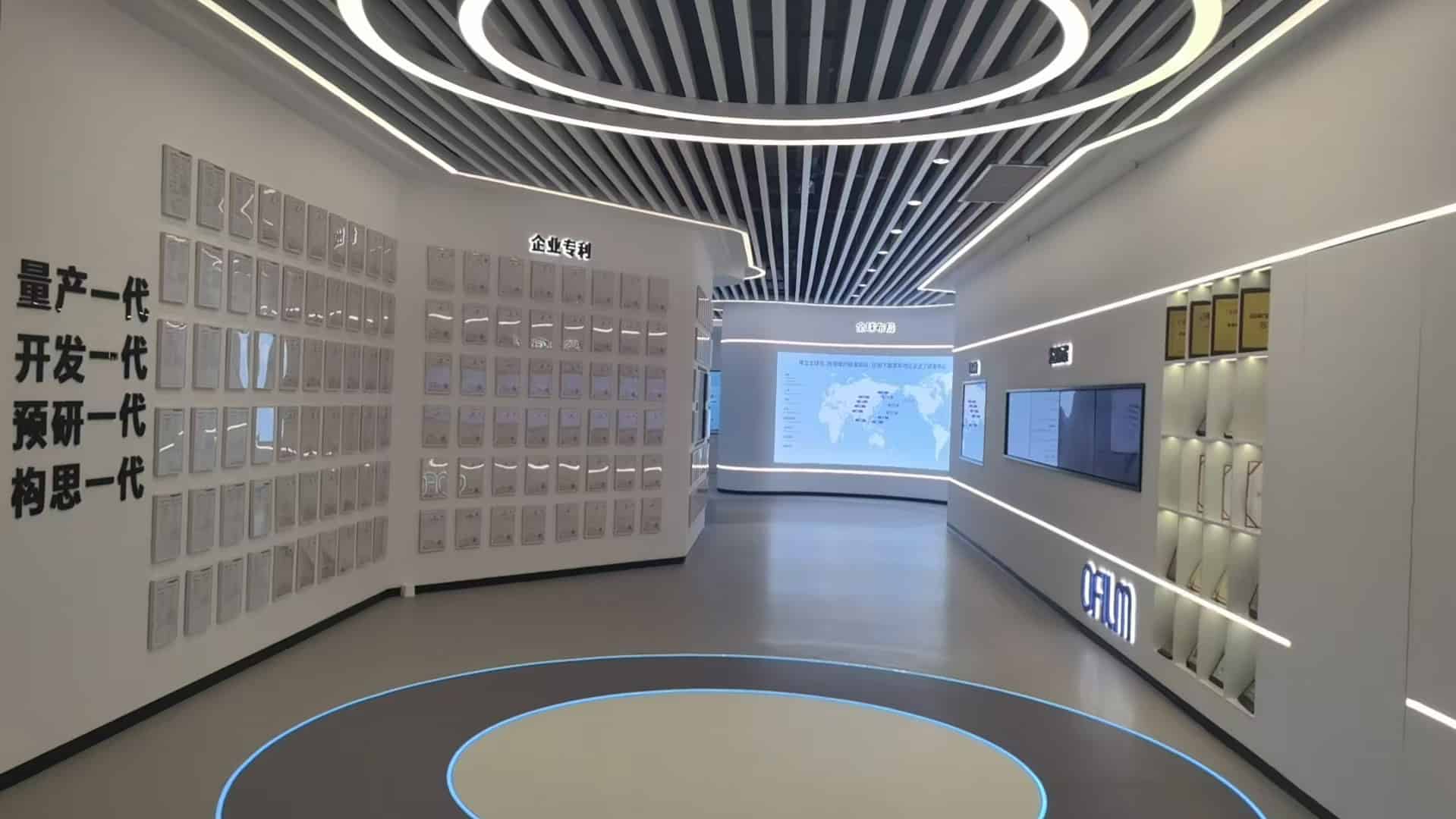
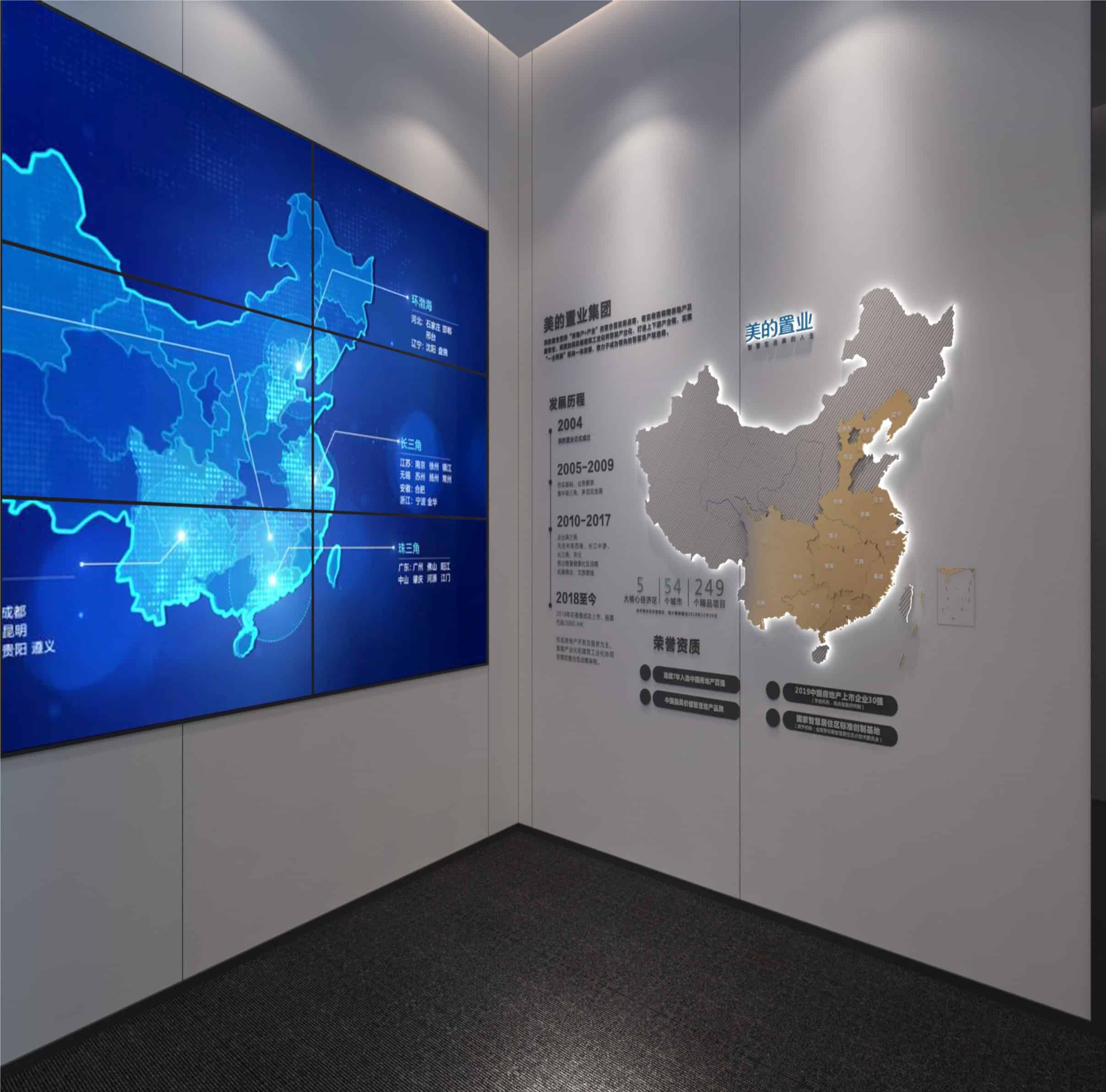
A screen recess, product mount or model can affect media visibility and maintenance access. Coordinate the display format, viewing positions and physical exhibit before final fabrication and production. Review the OFILM and Smart Living references for different physical and digital relationships.
If a contractor is already delivering the room, make that team's interfaces part of the multimedia brief. We can also discuss coordination within an integrated showroom scope.
What to send for a multimedia quotation
Provide the project city, plan or zone list, audience, content objectives, available files and intended languages. Add known display or device information, connectivity requirements, update expectations and the intended opening window.
Specify whether you need content production, interactive software, AV integration or the connected package. Discuss your project scope so the first proposal can identify assumptions and missing information.